
Skip to content
Optizent
Optizent
Web, Digital & Marketing Analytics Services
  • Home
  • Services
    • Unified Customer Data
    • Google Analytics 4 (GA4) Services
    • GA4 Support
    • Piwik PRO
    • Amplitude
    • Mixpanel
    • Adobe Analytics
    • Adobe Launch
    • Web Analytics
    • Tag Audit
    • MarTech Stack Audit
    • On Demand Team
  • Training Programs
    • Onsite Workshops
    • Online Workshops
    • Online Courses
    • AI Readiness & Use Case Discovery Workshop
  • Tools
  • About Us
    • Experience
    • Partners
  • Contact Us
    • Jobs
    • Submit Your Resume
  • Blog

Blog

How To Sign Up Piwik PRO

December 12, 2022 Vemmanna

To understand the role of various tools and features of Piwik PRO let's get started with Piwik PRO sign up. This article provides step-by-step information about Piwik PRO signup.
piwik-pro-plans

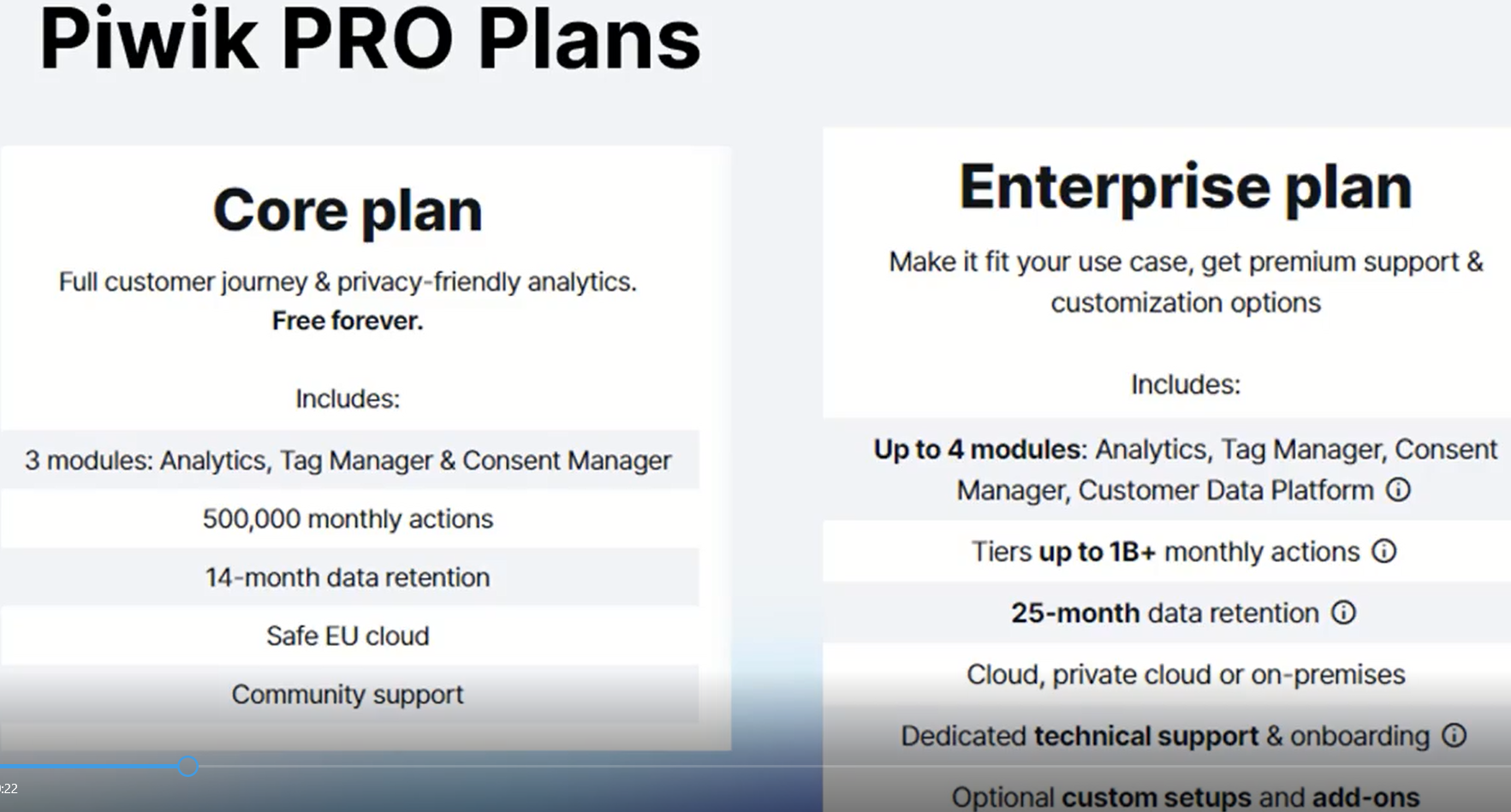
The free version is called the Core Plan, and the paid version is called the Enterprise Plan. We can sign up for the Core Plan online. However, we will have to reach out to Piwik sales for the Enterprise Plan. Once we sign up for the Core Plan, we can click on the Upgrade option within the interface to reach out to the sales. For the Enterprise Plan.
free-core-plan

Step-by-step information to sign up for the free Core Plan

  1. Type piwik.pro on the browser, which takes to Piwik Pro's homepage.
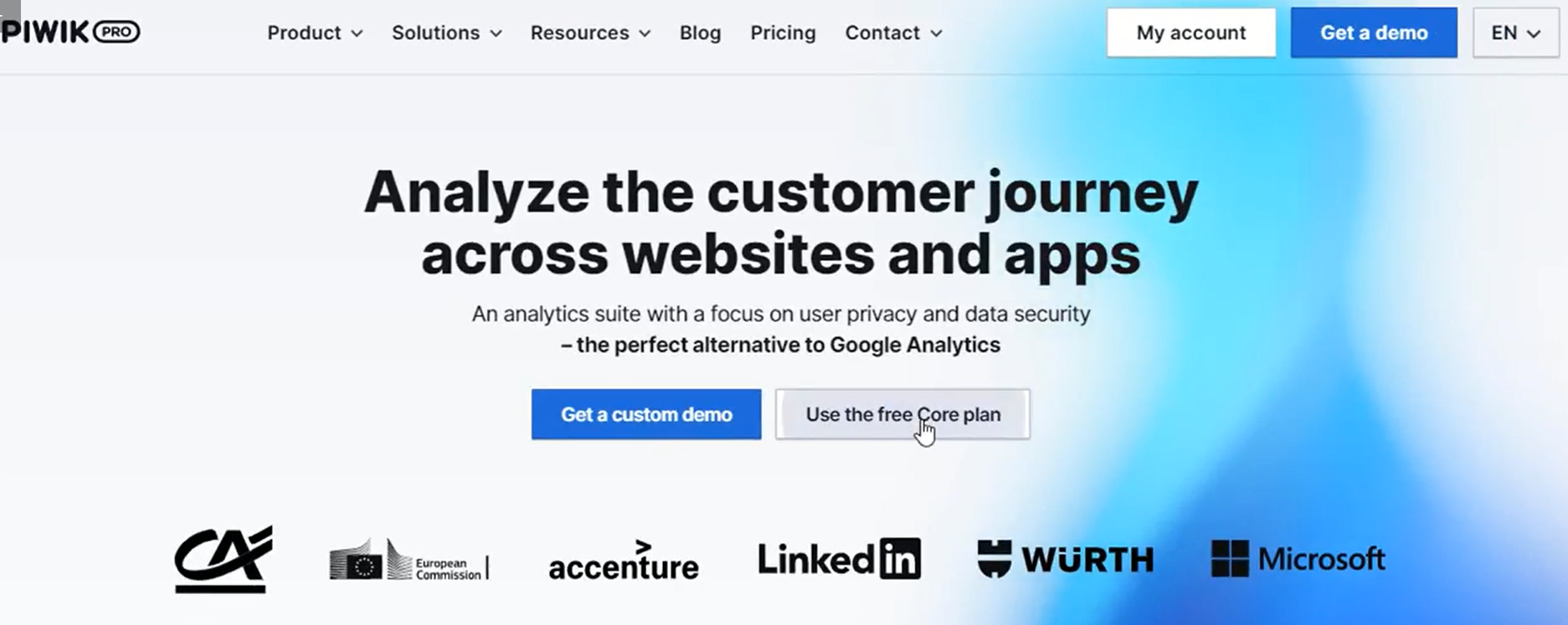
  2. On the homepage, click on "Use the free Core plan," which will take us to a page where we can sign up for a free Piwik Pro account.
piwik-pro-core-plan


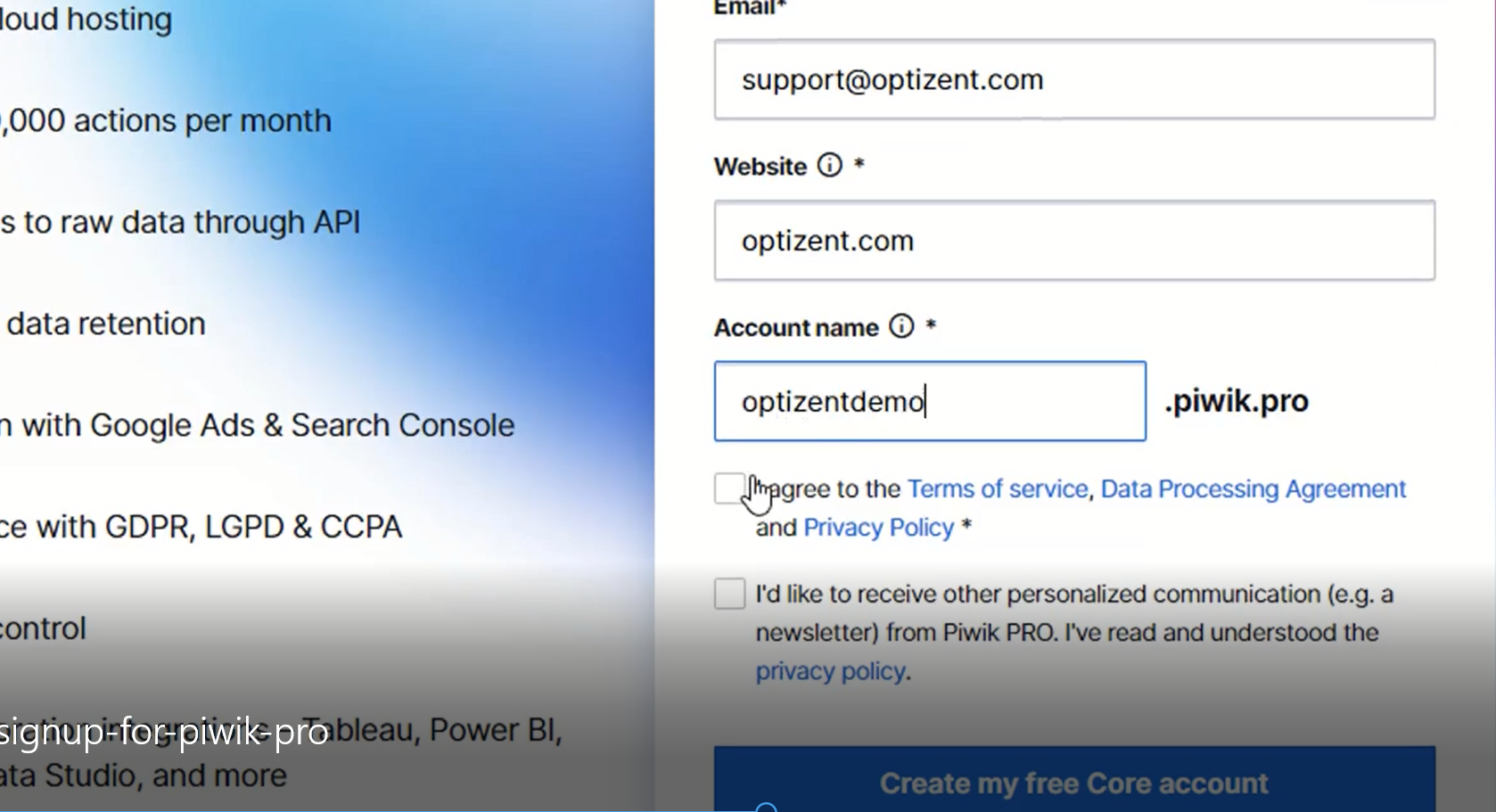
  1. Fill in the required information on the signup page.
  2. Provide the website's name and give a name to the account.
  3. Next, read through the Terms of Service, Data Processing Agreement, and Privacy policies, and then click on I agree. Then check the second box to receive personalized communication if interested.
activate-your-account

  1. Click on Create my Free Code Account.
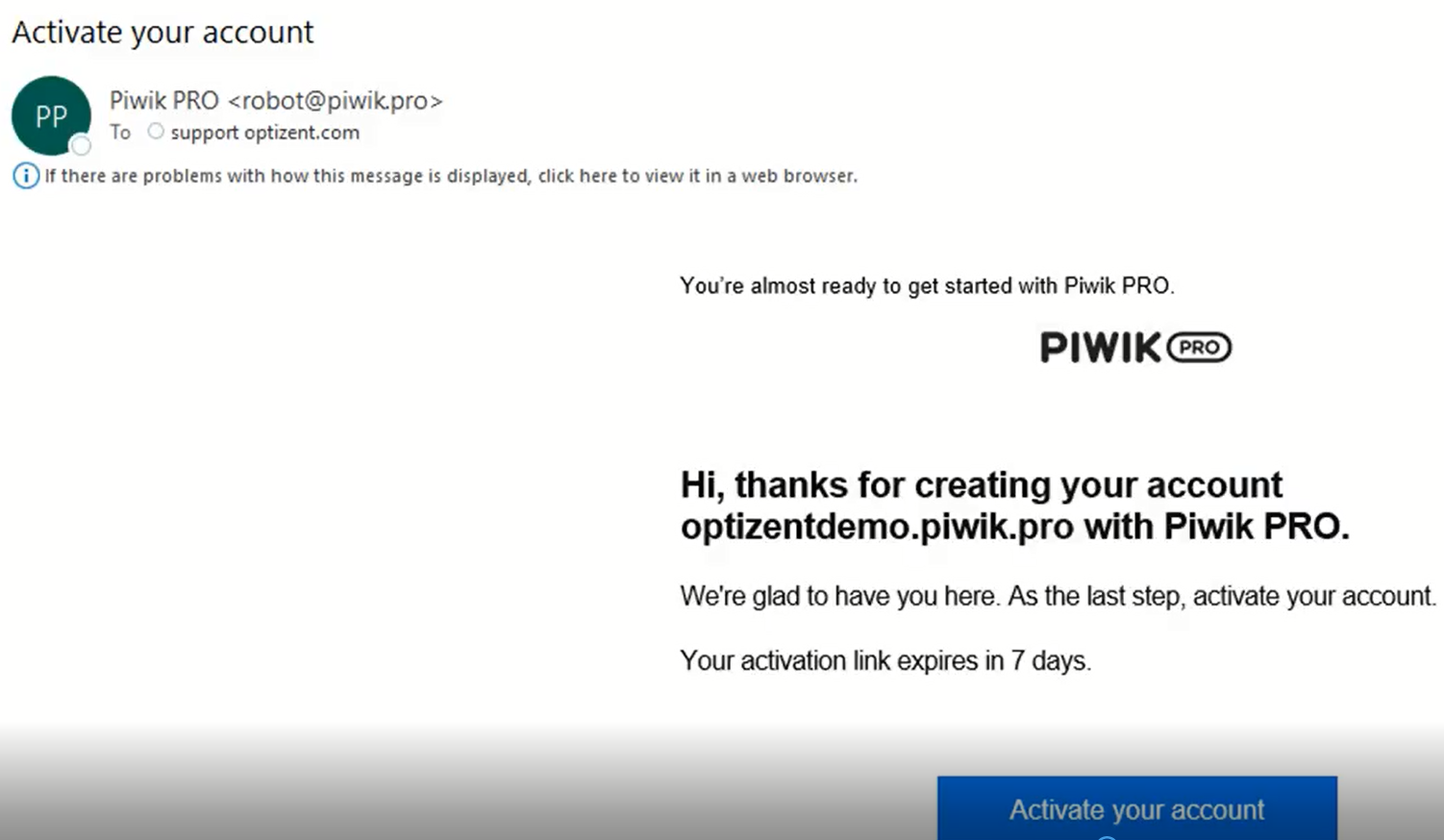
  2. Then an email will be sent to our account for activation. Click on that link and activate the account.
  3. After activating the account, it will redirect to a page that will set up the account with a password.
  4. Create a password, confirm it, and click on save, which will redirect to the login page.
  5. Enter the login information and click on Log in to enter the Piwik Pro account.

The next step is to implement the tracking code on the website.

Piwik PRO help and support

We are here to help you with all your Piwik PRO needs. Our team can get you up and running in no time and also train you and your team to save you a lot of time so that you can focus on driving the business outcomes.

Online Courses:

Workshop - We conduct the onsite customized workshop. Reach out to us for more details.

Consulting Services - We can help you up and running with Piwik PRO analytics. Email us at support@optizent.com

Posted in: Digital Analytics Filed under: How To Sign Up Piwik PRO, Sign Up Piwik PRO

Post navigation

← How To Install Piwik Pro On The Website
How To Get Started With BigQuery →

Search the Blog

Need Expert Help?

Fix Your GA4 or GTM Setup

Need help with tracking, reporting, dashboards, or measurement strategy? We help teams solve analytics problems.

Contact Us
Free Tools

Built for Marketers

GA4 Regex Tester A/B Testing Sample Size ROAS Calculator CPM, CPC, CTRCalculator GTM Audit Tool Explore Tools
Start Here

Most Popular Resources

  • GA4 Guides
  • Server-Side Tracking
  • BigQuery for Marketers
  • Google Tag Manager
  • Analytics Insights
  • Product Analytics
  • Web Analytics
  • Amplitude
  • Mixpanel
  • Stape
Reader Favorites

Popular Posts

Trusted By

Teams At

Microsoft
HCL
Estée Lauder
Michigan State

Helping teams improve analytics confidence with practical strategy and execution.

Built by Optizent

Try UTM Manager

Create clean UTM links faster, standardize naming, and stop spreadsheet chaos.

Try UTM Manager

Optizent, LLC is based in Redmond, WA (Seattle) area. We serve clients throughout the world and can serve you in your own city and timezone. Contact us at 206-973-6869.

Copyright © 2026 Optizent

📧 Email Results

Enter your details to receive results via email: